
Frequently asked questions
Quick answers about privacy, VRM avatars, voice, requirements, and common issues.
Is HoloWaifu privacy-first?
Yes. Privacy is a core design goal. You get clear controls for voice and permissions, and the experience is designed to be predictable and respectful.
Is it always online?
Not necessarily. Some features may benefit from connectivity, but the product is designed with control-first settings so you can choose what's enabled.
Do you support different voices?
The experience is voice-first, and voice options are part of the roadmap. The focus is natural speech and an expressive avatar, not robotic playback.
Can I use my own VRM avatar?
Yes. HoloWaifu is built around VRM avatars, so you can bring your own character and make the experience feel personal.
What are the system requirements?
HoloWaifu targets Windows 10/11. A microphone is recommended for voice chat, and a dedicated GPU can help for more demanding avatar setups, but it's not always required.
See details on the System requirements page.
Is there pricing yet?
You can start with the free 7-day trial. If you want to continue after that, buy a simple 30-day activation key from the Download page. No subscription or automatic renewal.
What if the mic doesn't work?
Check Windows microphone permissions, confirm the correct input device is selected, and try restarting the app. Most issues come down to permissions or device selection.
Can it run while I play games?
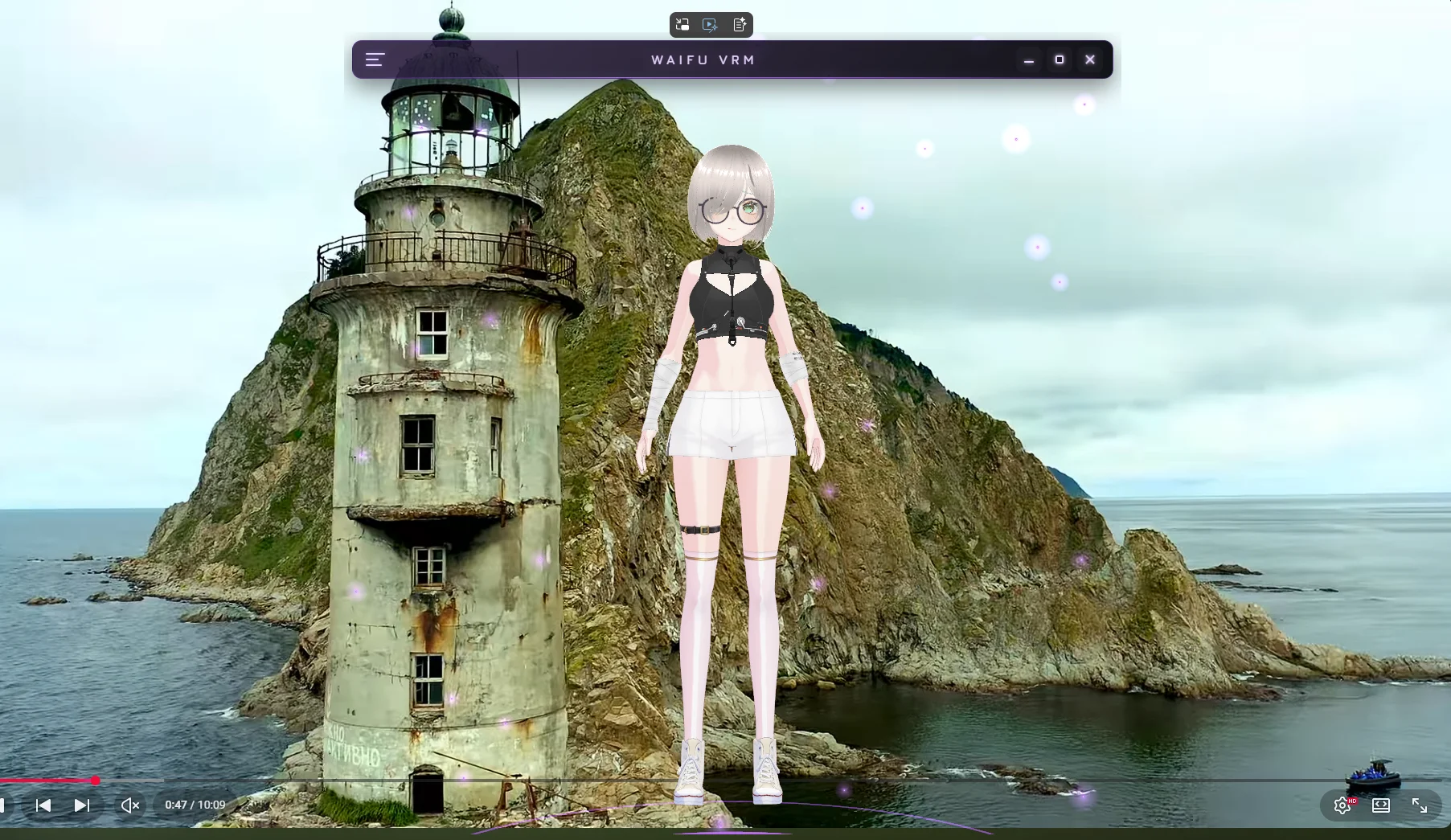
That's one of the main ideas. The overlay is meant to stay out of your way, and you can adjust placement, size, and interaction to fit your setup.
Does it support VTuber use?
HoloWaifu is VRM-first and voice-first, which makes it a great fit for rehearsal and creative workflows. Stream setups can vary, so the focus is flexible, desktop-friendly behavior.