
Setup in a few minutes
Keep it simple: install, pick your avatar, allow the mic, and start talking. No complicated steps — just a smooth path to your first conversation.
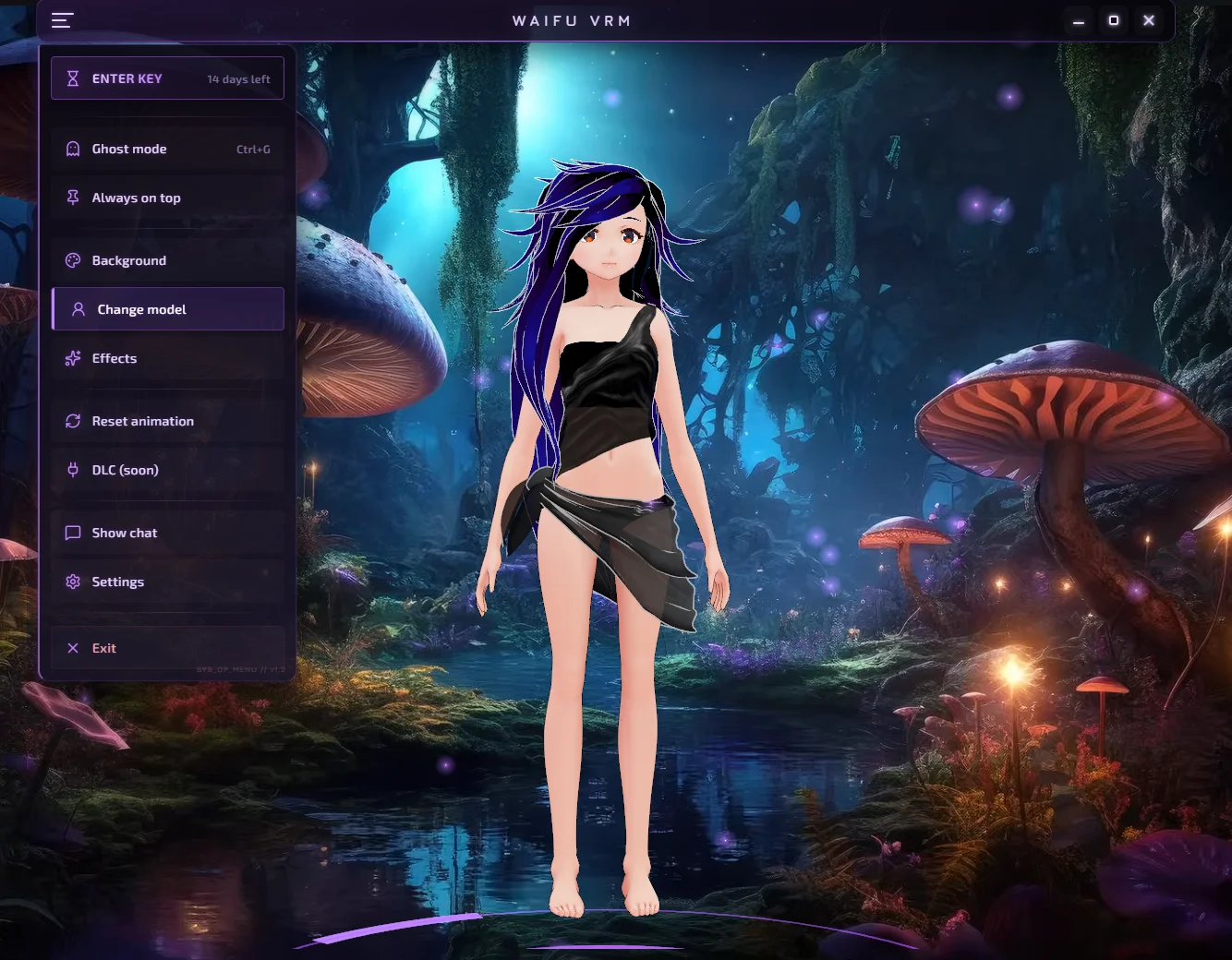
Step-by-step
Setup is designed to feel like a normal desktop app experience.
- Install and launch
- Choose or import a VRM avatar
- Grant microphone access when you're ready
Why it's quick
A lightweight setup means you spend more time with your companion and less time configuring.
- Fast onboarding with clear prompts
- Avatar-first experience (VRM) from the start
- Easy-to-adjust overlay placement and size
First session ideas
If you're not sure what to do first, try one of these:
- Introduce yourself and set a tone (friendly, supportive, romantic)
- Ask for a cozy routine: morning check-ins, breaks, or end-of-day wind-down
- Try a hands-free chat while you work, game, or draw
Privacy
You're in control. Microphone access is something you can allow, pause, or disable whenever you want. Start comfortably and adjust settings over time.
- Clear microphone permission behavior
- Privacy-minded defaults
- Comfort settings so your companion matches your boundaries