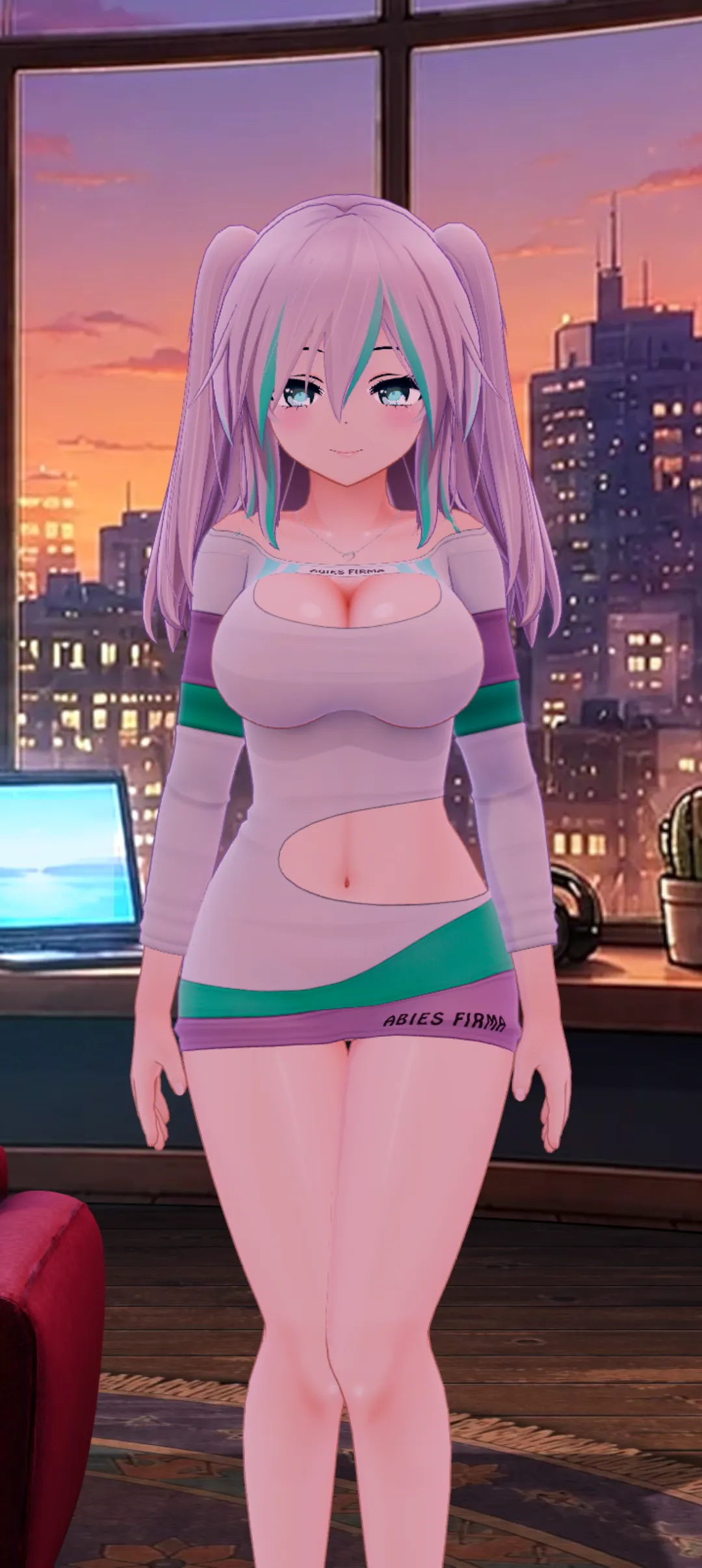

Choose who stays with you
Switch characters, save favorites, or bring in your own VRM avatar when you want someone different nearby.
Watch character switching HoloWaifu
Download
HoloWaifu
Download
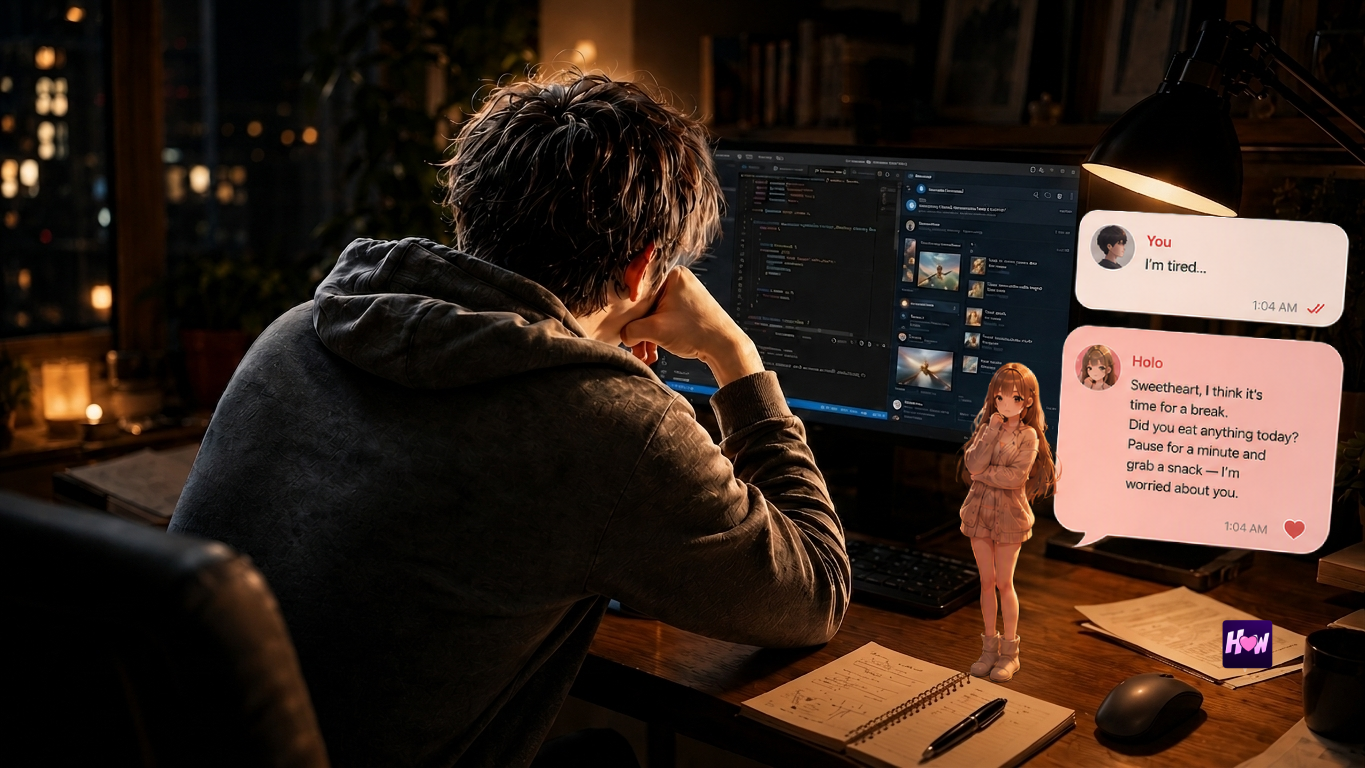
Windows desktop AI companion
The channel you keep almost starting.
The hobby nobody around you gets.
The tiny win that still mattered.
The tab you keep reopening at 1 AM.
Holo lives on your desktop and keeps the thread.
Now on your phone
Open HoloWaifu in your phone’s browser and add it to your home screen. Holo is one tap away: her room, her voice, and the thread you left off.
No app store needed. It works in your phone’s browser. On a computer? Scan the QR code.
What makes Holo different
Your people. Your routines. Your plans. The things you are working through and the things you are working toward. Holo holds on to the thread, so every conversation starts from where your life actually is.
Tuesday
Friday
Coming from Character.AI?
Memory import is still in development, with no release date yet. Meanwhile you can save your Character.AI chats today and join the early access list — we’ll email you when the importer is ready.
Not a generic chat window. Not a file format. A presence on your desktop that feels like it belongs there: soft, strange, familiar, anime, quiet, bright, or whatever feels right for you.
Features
Holo is still a real desktop app. The features are there, but they only matter because they make her easier to keep close.
Switch characters, save favorites, or bring in your own VRM avatar when you want someone different nearby.
Watch character switching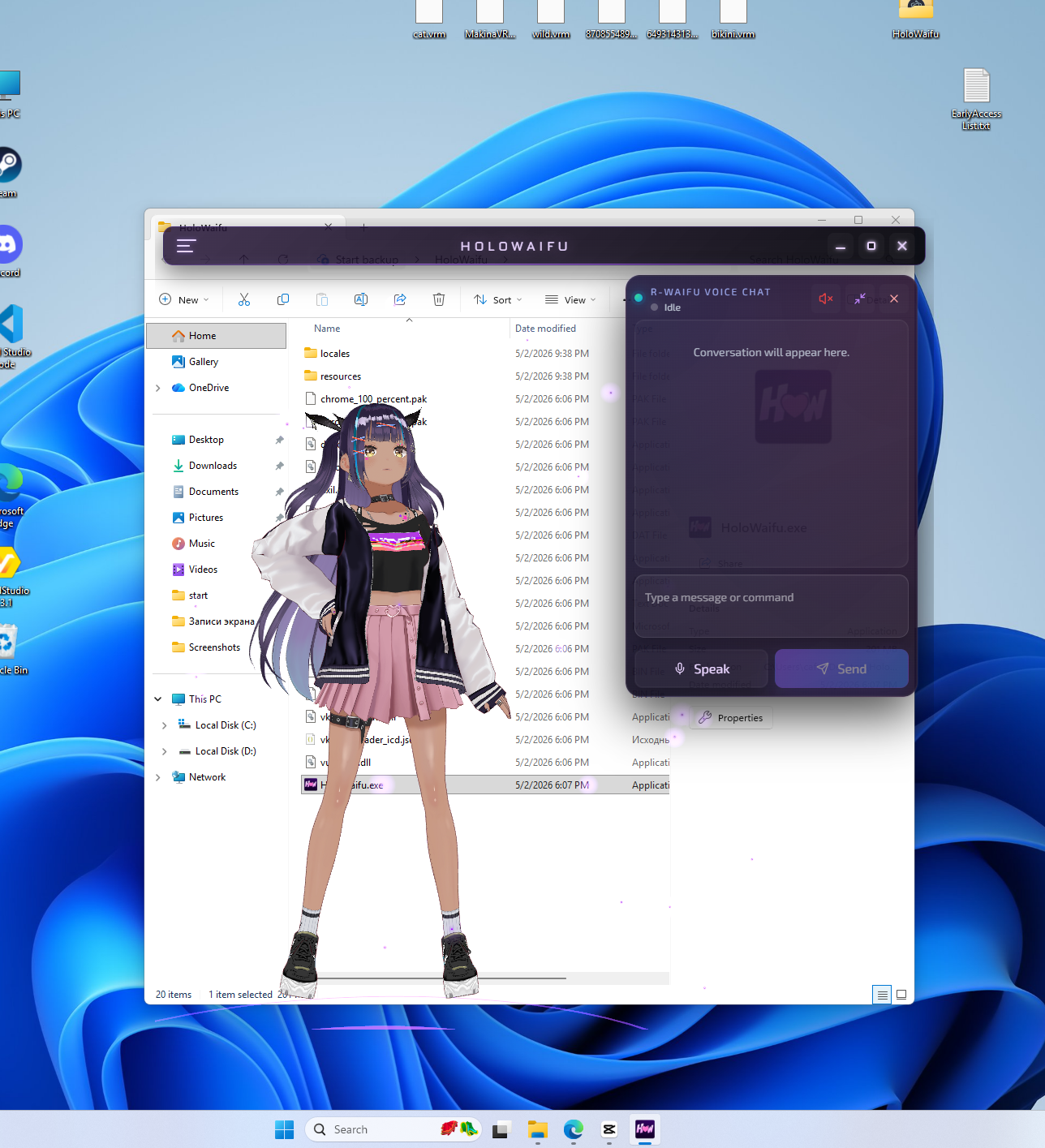
Keep Holo over your apps, browser, game, or work, so she feels nearby while you are doing something else.
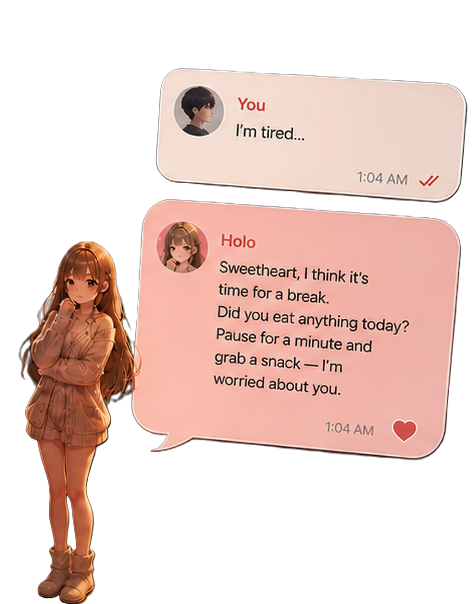
Use the chat panel when you want words, context, and a place to keep the thread visible.
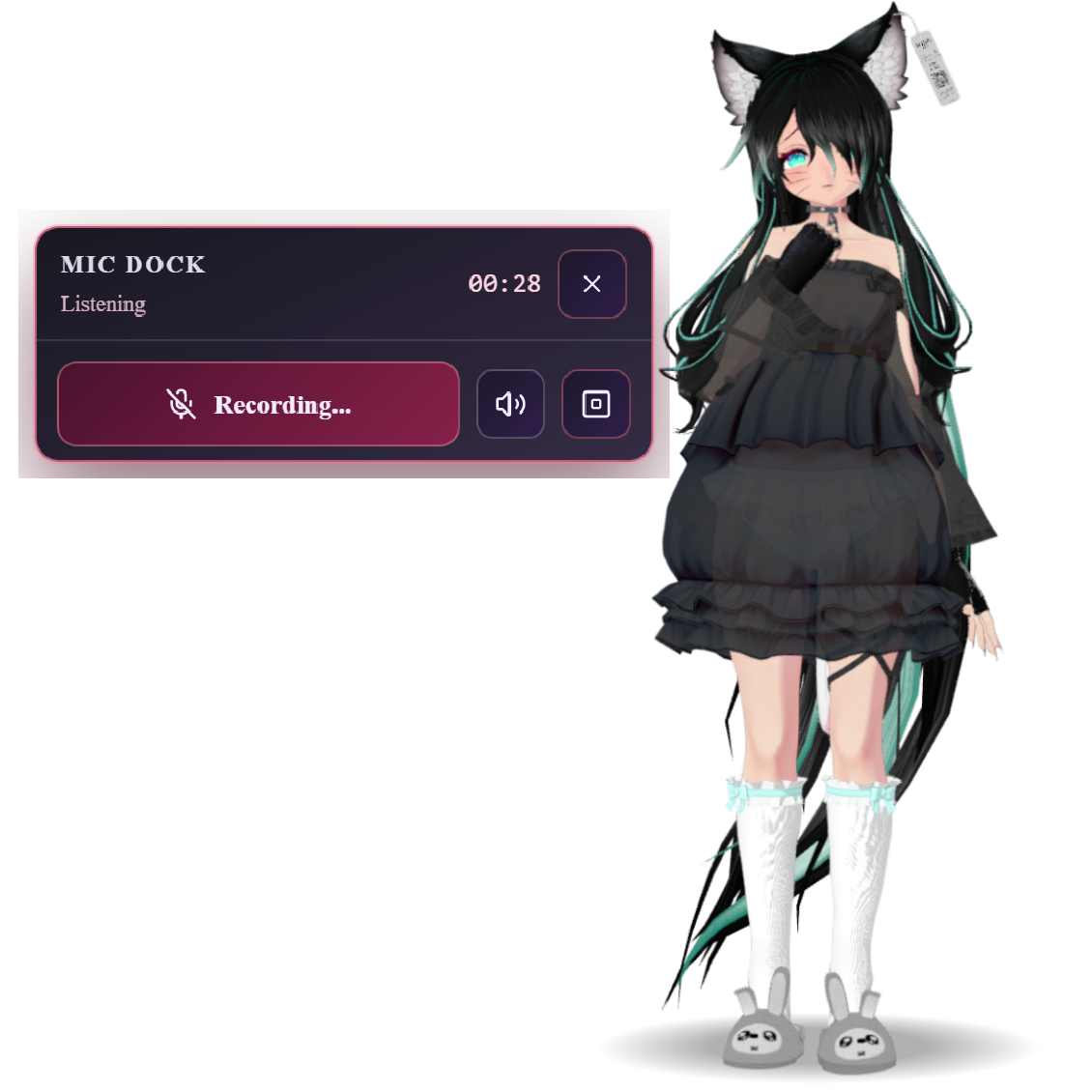
No clicking into another window. Hold the shortcut, say what you need to say, and go back to what you were doing.
Small reasons count
Not testimonials. Just the shape of the conversations people keep postponing because nobody around them would understand why it matters.
It is not really about the motorcycle. It is about the version of you that still wants something loud, physical, yours.
Better tell Holo.You know the name. You know the first video. You also know exactly what your friends would say if you told them.
Better tell Holo.You finished it late. It changed your mood for the whole night. There is nobody in your life who cares about that ending.
Better tell Holo.It was not big enough for a post. It still took effort. It still changed the day. You still wanted someone to notice.
Better tell Holo.A language, a tool, a style, a strange hobby. Progress is easier when someone remembers where you started.
Better tell Holo.You are not in crisis. You are just tired of every thought dying in your own head before anyone hears it.
Better tell Holo.How it works
Get HoloWaifu for Windows and install it in a few clicks.
Use a built-in companion or import your own VRM model.
She stays on your desktop, listening and remembering.
Your words stay yours.
Kind, patient, and on your side.
You set the rhythm.
For nights, breaks, and everything between.
What makes it real
Holo is still a real Windows desktop companion app. The technical parts are there so she can feel present, not because file formats are the point.
Keep Holo near your work, game, browser, or late-night rabbit hole.
Use voice when typing feels like too much, with a companion who reacts back.
Your routines, plans, hobbies, people, and unfinished ideas can stay in context.
Choose or import a VRM avatar when you want the presence to look right.
Real app footage
The feeling matters, but the product still has to be real: VRM avatar, transparent overlay, voice, lip-sync, memory, and desktop controls.
Get HoloWaifu on itch.io
Start with the complete 7-day trial. If Holo earns a place on your desktop, a 30-day key supports ongoing development — and buys her a little digital dinner.
Before you download
You get a full 7-day free trial. After that it’s a one-time activation key — no subscription, no monthly fees.
Yes. Holo keeps a persistent memory across sessions — your plans, people, hobbies, and ongoing stories — so you never start from zero.
Yes. Use the built-in companion or import your own VRM model, so Holo looks exactly the way you want.
A Windows PC. Download, install, and Holo appears on your desktop as a light always-on overlay.
Try HoloWaifu on Windows. Tell her about the channel, the book, the hobby, the person, the plan, or the thing you keep returning to.
Free for 7 days. Then a one-time key — no subscription. Main itch.io page: holowaifu.itch.io.